
In today’s construction industry, 3D Modeling has evolved into a fundamental approach for improving efficiency, accuracy, and collaboration across projects. One of the most widely used tools enabling this transformation is Autodesk Revit. However, to fully leverage the power of BIM, understanding Revit file types is not just helpful, it is essential.
Many professionals in the AEC (Architecture, Engineering, and Construction) industry still treat Revit files as generic project files. In reality, each file type serves a distinct purpose and plays a critical role in building a structured and scalable BIM workflow. Without this understanding, teams often face issues such as data inconsistency, poor coordination, and inefficiencies that can impact project delivery.
The .RVT file is the core of any Revit-based project. It acts as the central model where all disciplines come together. This file is where design, coordination, and documentation take place. In the context of Asbuilt Drawing, the .RVT file becomes especially valuable, as it can represent the actual built condition of a structure. By incorporating real-world data, the model evolves into a reliable source for facility management, maintenance, and future renovations.
Another essential file type is the .RTE file, which functions as a project template. While often overlooked, templates are crucial for maintaining consistency across projects. They contain predefined settings such as annotation styles, view templates, and standardized parameters. For organizations handling multiple or large-scale projects, using a well-structured template ensures uniformity and significantly reduces setup time.
Equally important is the .RFA file, commonly referred to as a Revit family. In 3D Modeling, families are the building blocks of any model. Elements such as doors, windows, furniture, and MEP components are created as families to allow reuse across different projects. What makes them powerful is their parametric nature, allowing users to modify dimensions and properties without recreating elements from scratch.
To create these families efficiently, professionals rely on .RFT files, or family templates. These templates define the behavior, constraints, and parameters of a family before it is even developed. By starting with the right template, users can ensure that their components are not only consistent but also aligned with project standards and requirements.
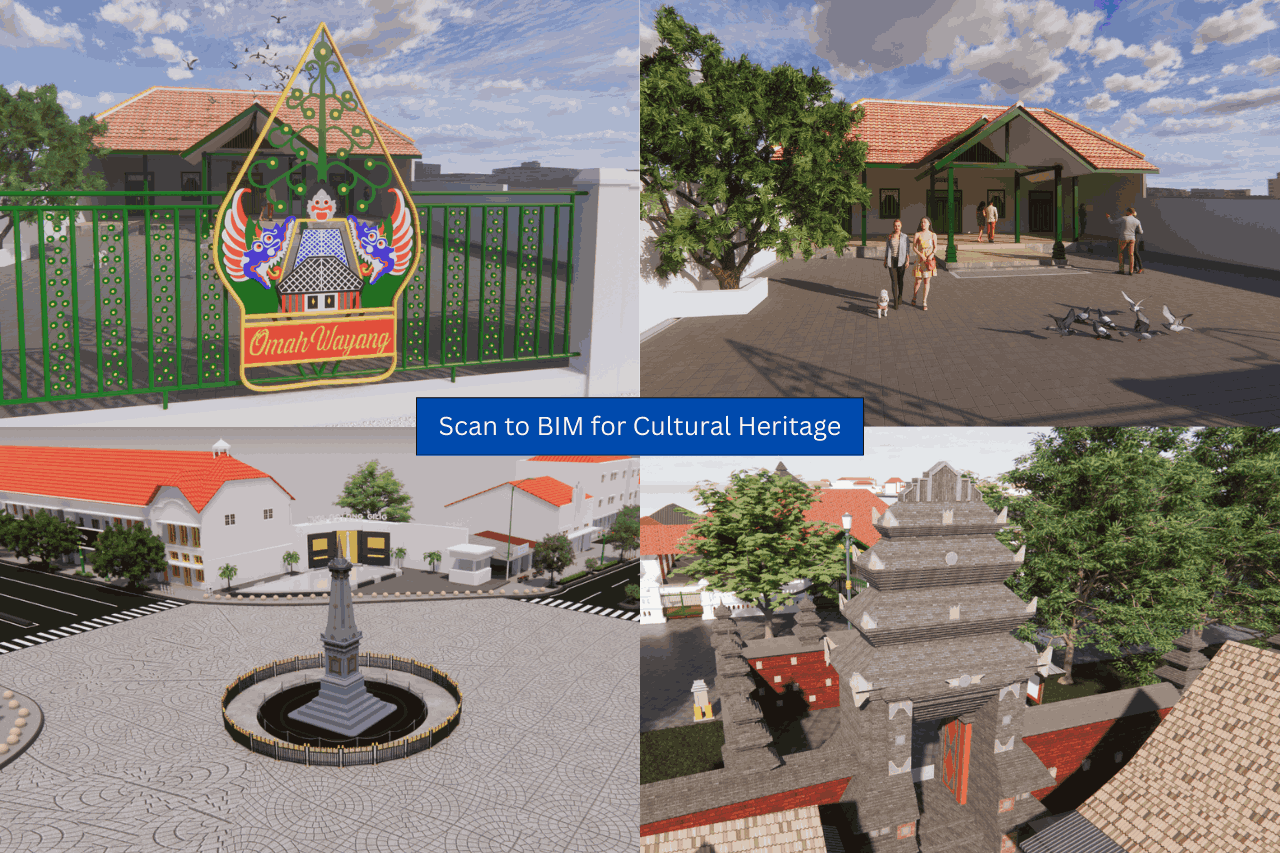
Understanding these file types becomes even more critical when working with Scan to BIM workflows. This process involves converting point cloud data into an accurate BIM model. The scanned data is translated into a .RVT environment, where families (.RFA) are used to reconstruct building elements. Without a well-organized file structure, this process can become inefficient and prone to errors.
Beyond BIM itself, the industry is also moving toward more integrated approaches such as GeoBIM, which combines building data with geospatial information. This allows stakeholders to understand not only the building but also its broader environmental and spatial context, leading to more informed planning and development decisions.
In this evolving landscape, companies like GeoBIM Indonesia play a key role in delivering integrated solutions. By offering services that combine 3D Modeling, Scan to BIM, and Asbuilt Drawing, they help organizations build accurate, structured, and actionable digital models. With the support of advanced technology and experienced professionals, projects can achieve higher levels of precision and efficiency.
Ultimately, mastering Revit file types is not just about software proficiency. It is about establishing a strong foundation for effective BIM implementation. In a digital construction era where data accuracy and collaboration are critical, even small technical details can make a significant difference in delivering successful projects.


.png)